



Verifiable credentials
Issue, revoke, or suspend digitally signed credentials — with team approvals.
Digital trust for organizations
Issue digital credentials, run identity on your domains, and control who approves before anything is signed.
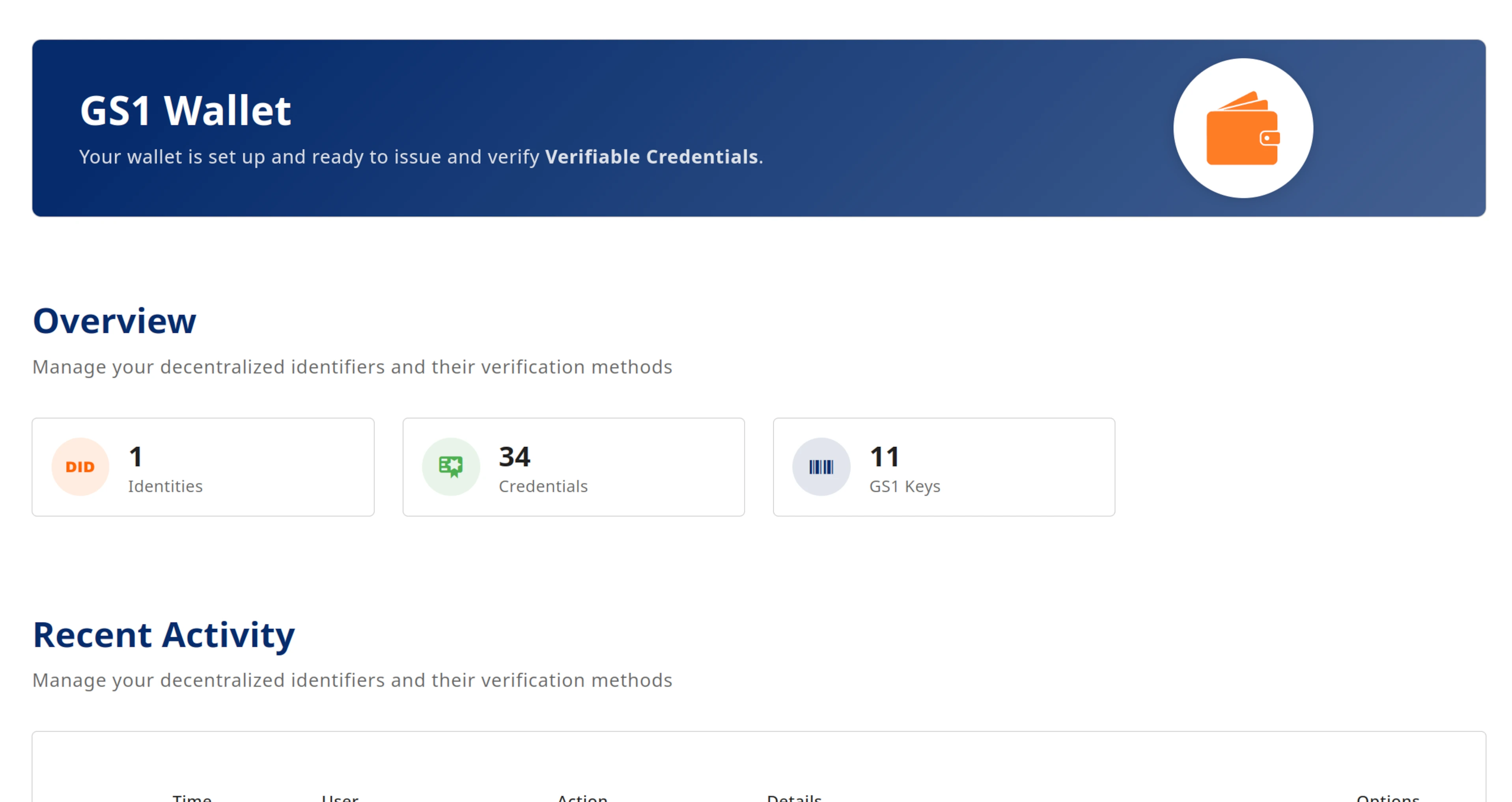
Platform capabilities
Issue credentials, present them to partners, and keep signing protected — with team approvals built in.
Issue, revoke, or suspend digitally signed credentials — with team approvals.

Identity on your domains, with a public registry for verifiers.
Send credential offers to wallets and redeem offers from external issuers.
Prove selected claims to a relying party when a partner asks you to verify something.
Keys live in a dedicated service — compatible with enterprise vaults and HSMs.
Optional modules such as GS1 — enabled per deployment.
Talk to us about pilots and deployment options
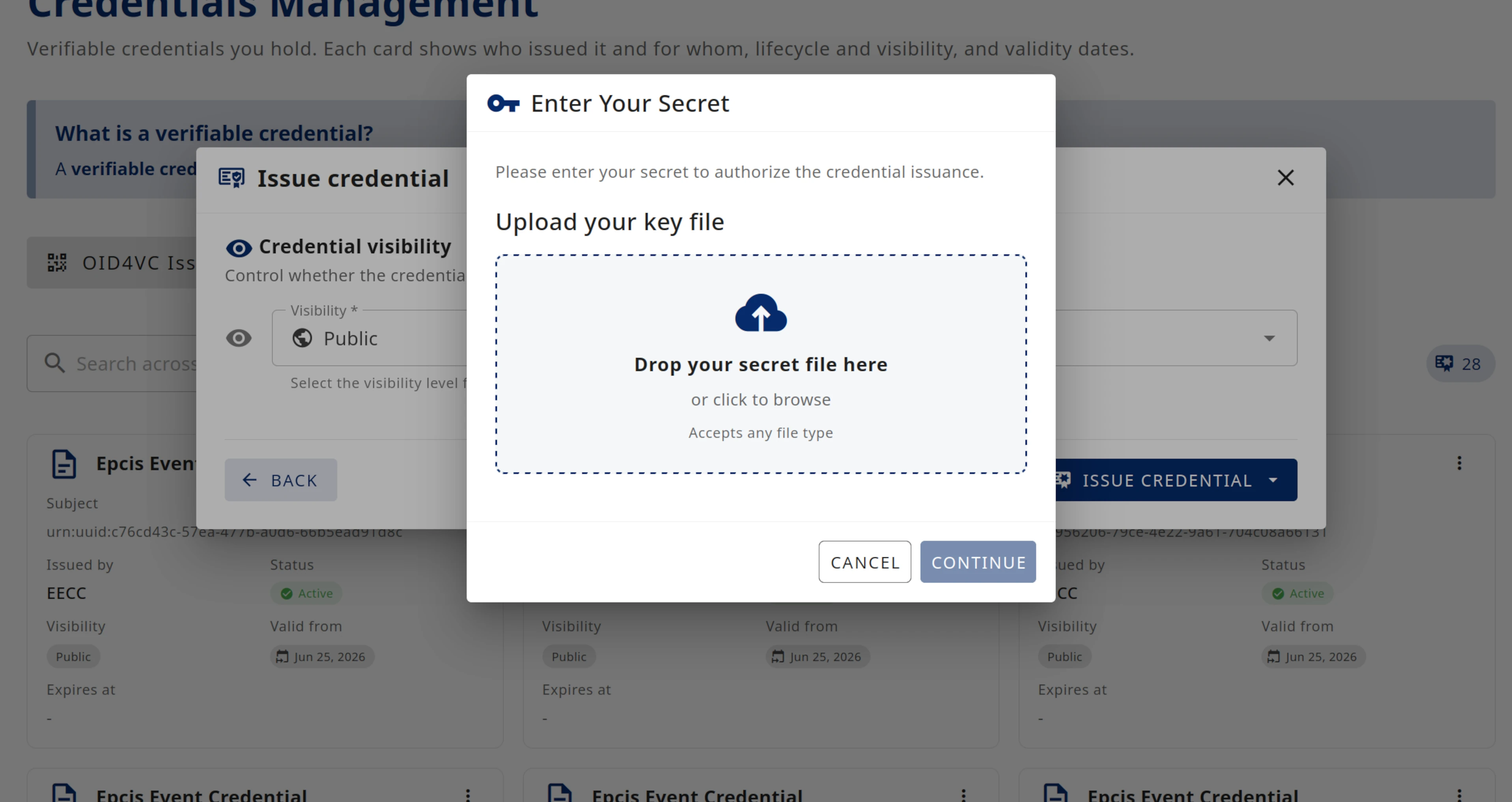
Verifiable Credentials
Create and manage what your organization issues — with signature formats partners already support.
Your organization's identity
Publish organizational identity on domains you own — verifiers can look it up when checking your credentials.
How it works
Set up your organization, issue and share credentials, then let partners verify them in digital ecosystems.
Add your branding, domains, and sign-in — using your existing identity provider if you like.
Issue credentials to wallets, present them to verifiers, and manage them over time.
Partners verify credentials in digital ecosystems — such as the GS1 digital ecosystem with its license credentials.
Team approvals
Decide who must agree before your company signs on behalf of the organization — and update the setup when your team changes.
This is not a setting anyone can flip in software: each approver must sign with their own cryptographic key. The organization's key only activates when those signatures satisfy your rules.
Several people per role — if one is away, another can approve.
Require approval from operations and management, for example.
Add colleagues or adjust groups — everyone involved must agree first.
To issue a credential, someone from operations and someone from management both approve.
Operations
any one of these people
Management
any one of these people

Security
Users work in the wallet app; keys that sign credentials live in a separate secure service.
Plugins
Enable optional plugins per deployment — they use the same team approvals and secure signing as everything else.
 GS1 plugin
Issue GS1 prefix and company prefix licenses, product data, and supply chain credentials — following the GS1 Digital License specification.

Built for teams
Separate companies, brands, and domains — each with its own data and branding.
See how separated signing and team approvals work in practice
Built on standards your ecosystem recognises
Get in touch
Ask about pilots, deployment, and how verifiable credentials fit your organization.
info@eecc.deWe respond to enterprise inquiries within one business day
Visit us in our Innovation Labs in Neuss!
Also see some of our online demonstrations at id.eecc.de
Check out the latest News from EECC (in German)